 Invoice Maker: Estimate Maker
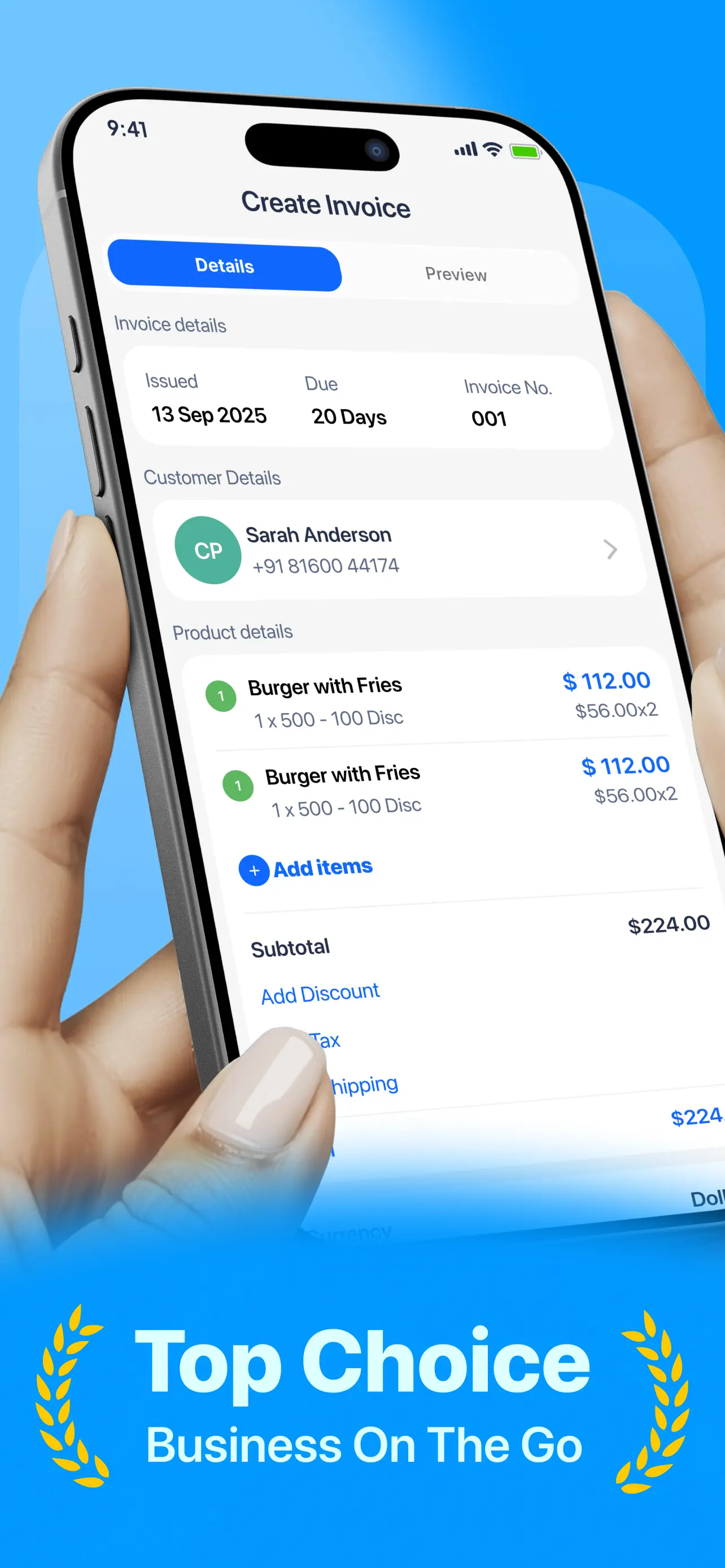
Add client & items
Save clients and line items once. Reuse them on every invoice, estimate, or receipt.
 Invoice Maker: Estimate Maker
Create professional PDF invoices, estimates, and receipts in under a minute—then share and get paid faster.


Download
Start creating invoices, estimates, and receipts today. Unlock unlimited access with a plan that fits your business.
Screenshots
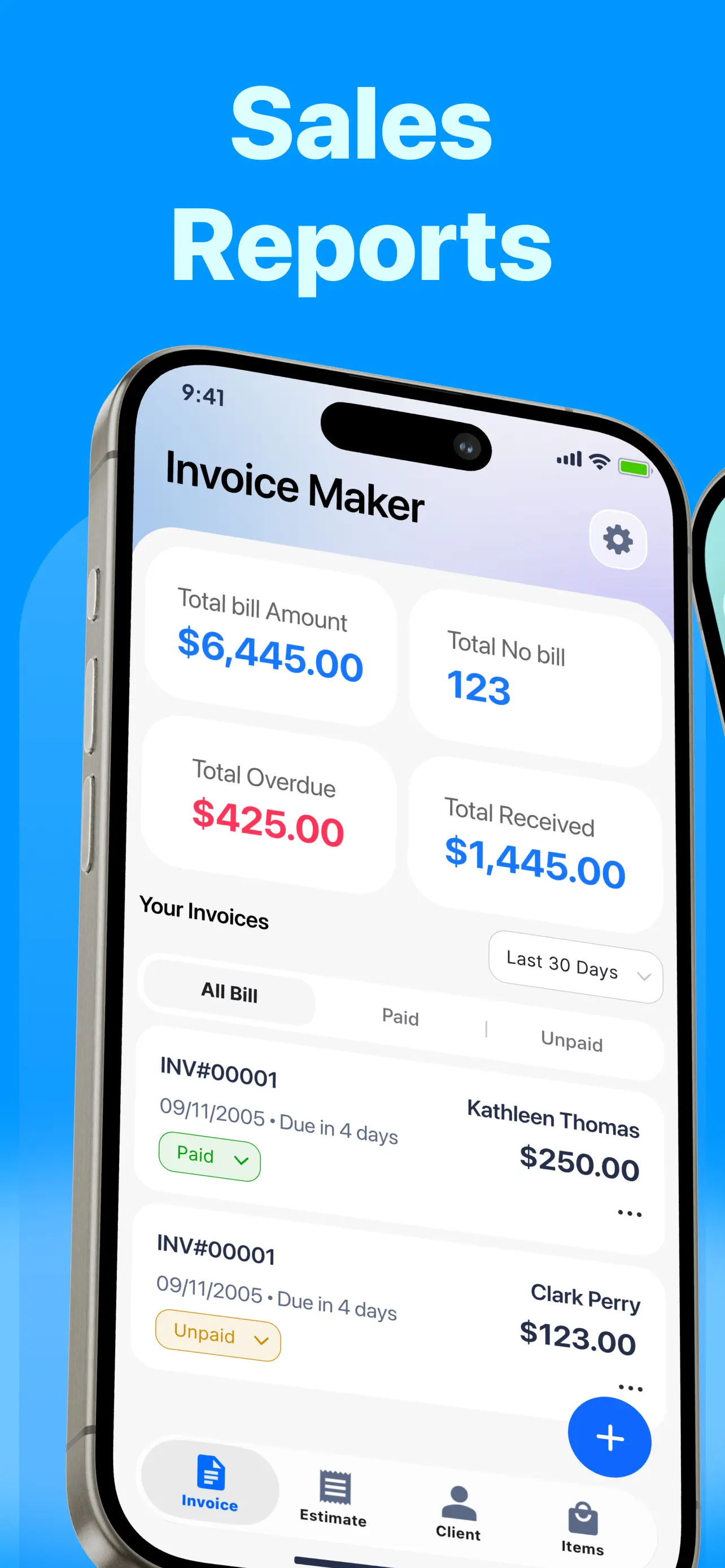
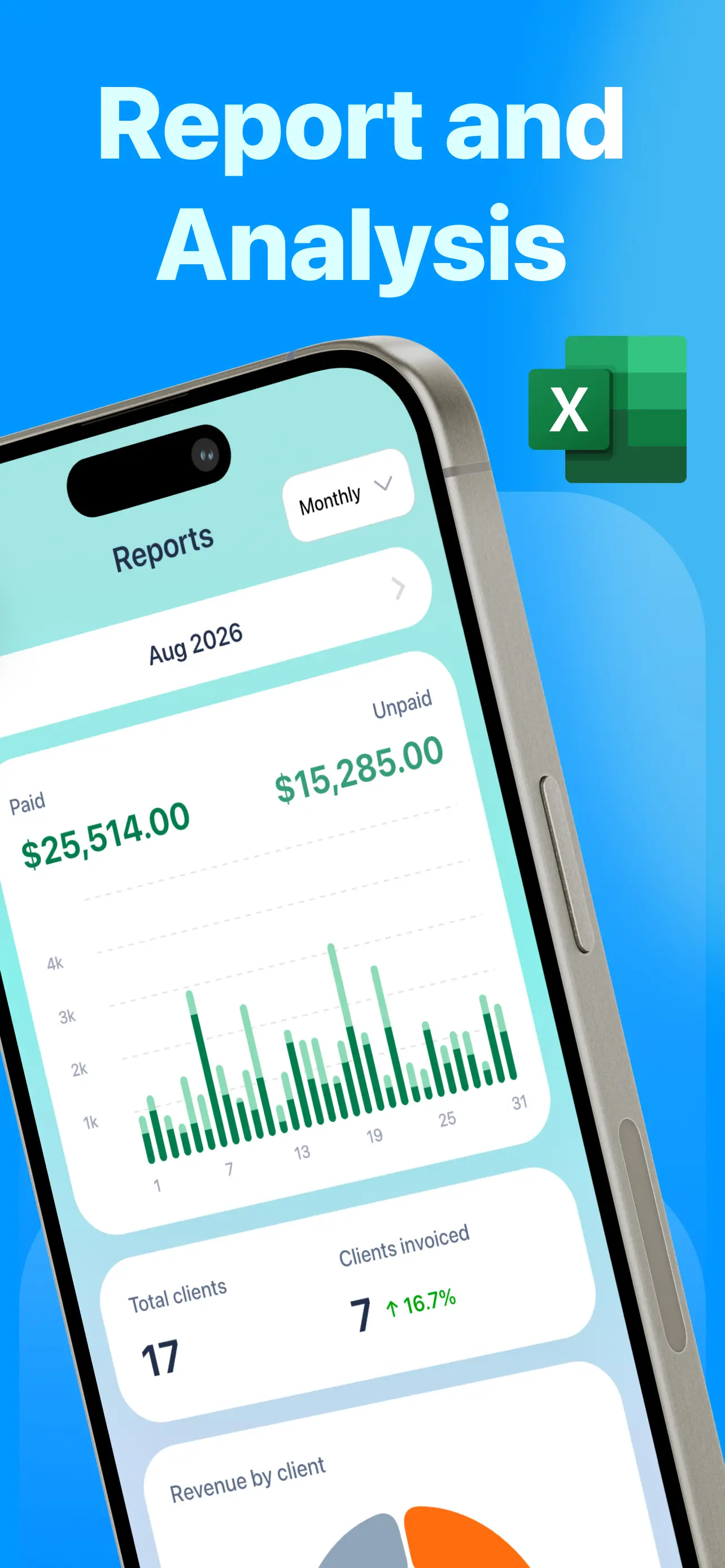
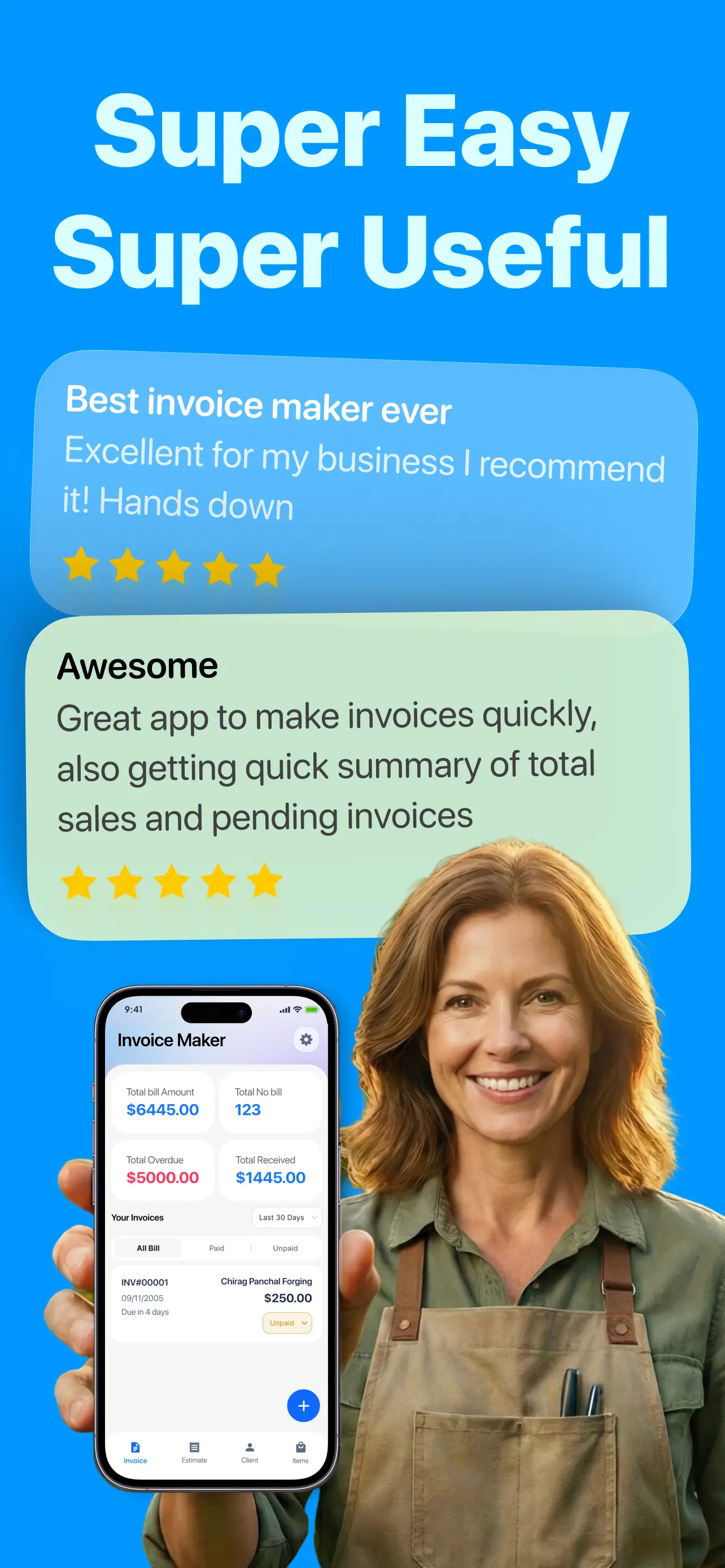
Clean templates, payment tracking, and share-ready PDF invoices—straight from your phone.
How it works
No desktop required. Your invoice generator lives on your iPhone.
Save clients and line items once. Reuse them on every invoice, estimate, or receipt.
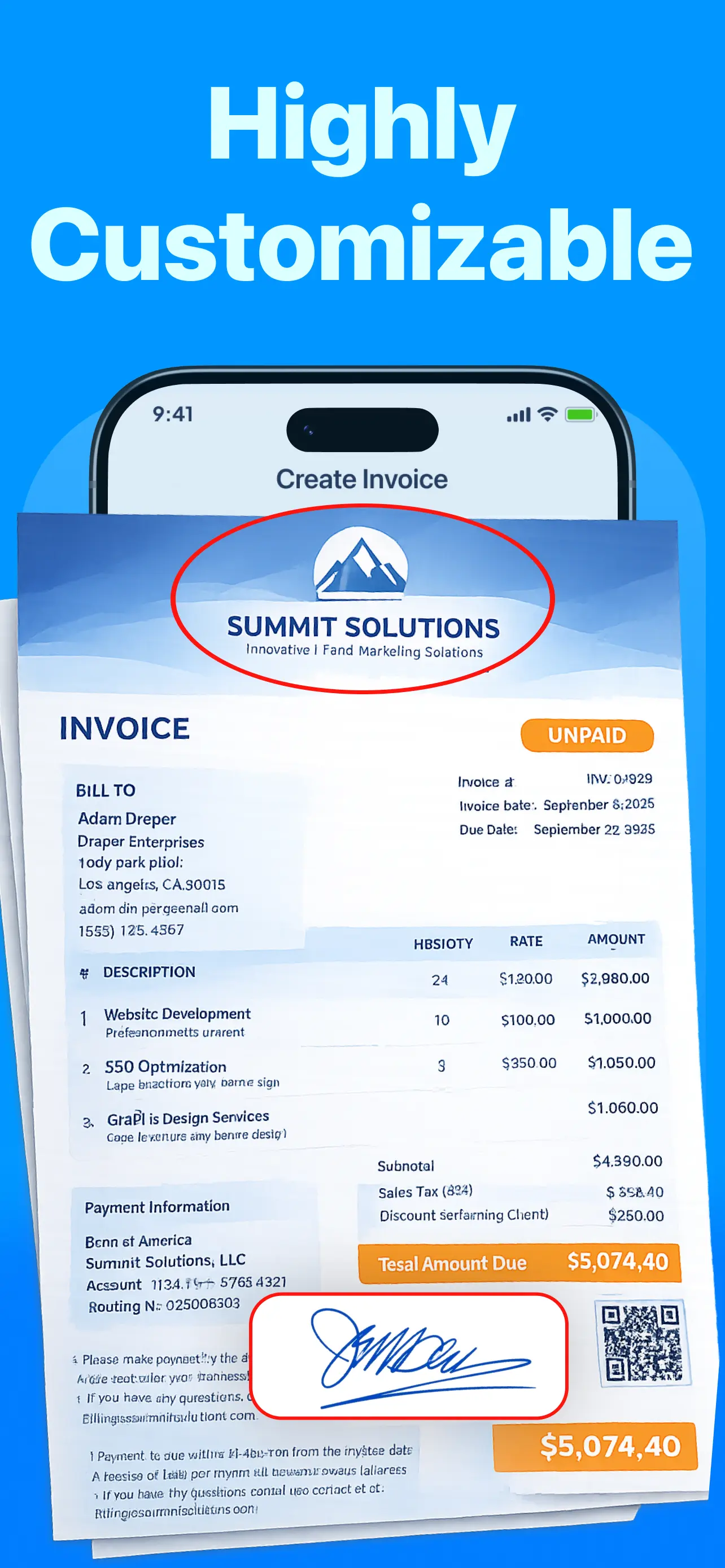
Add your logo, taxes, discounts, signature, currency, notes, and payment terms.
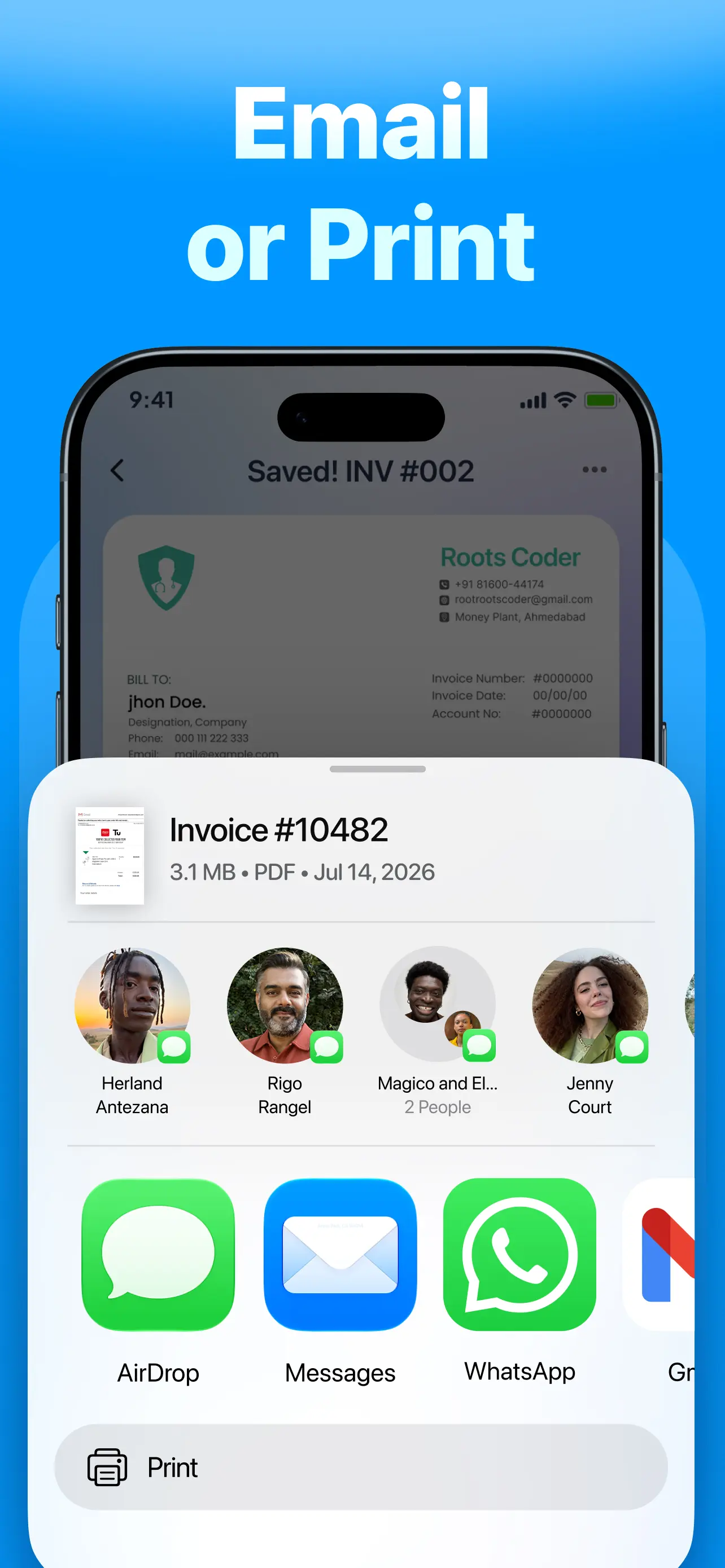
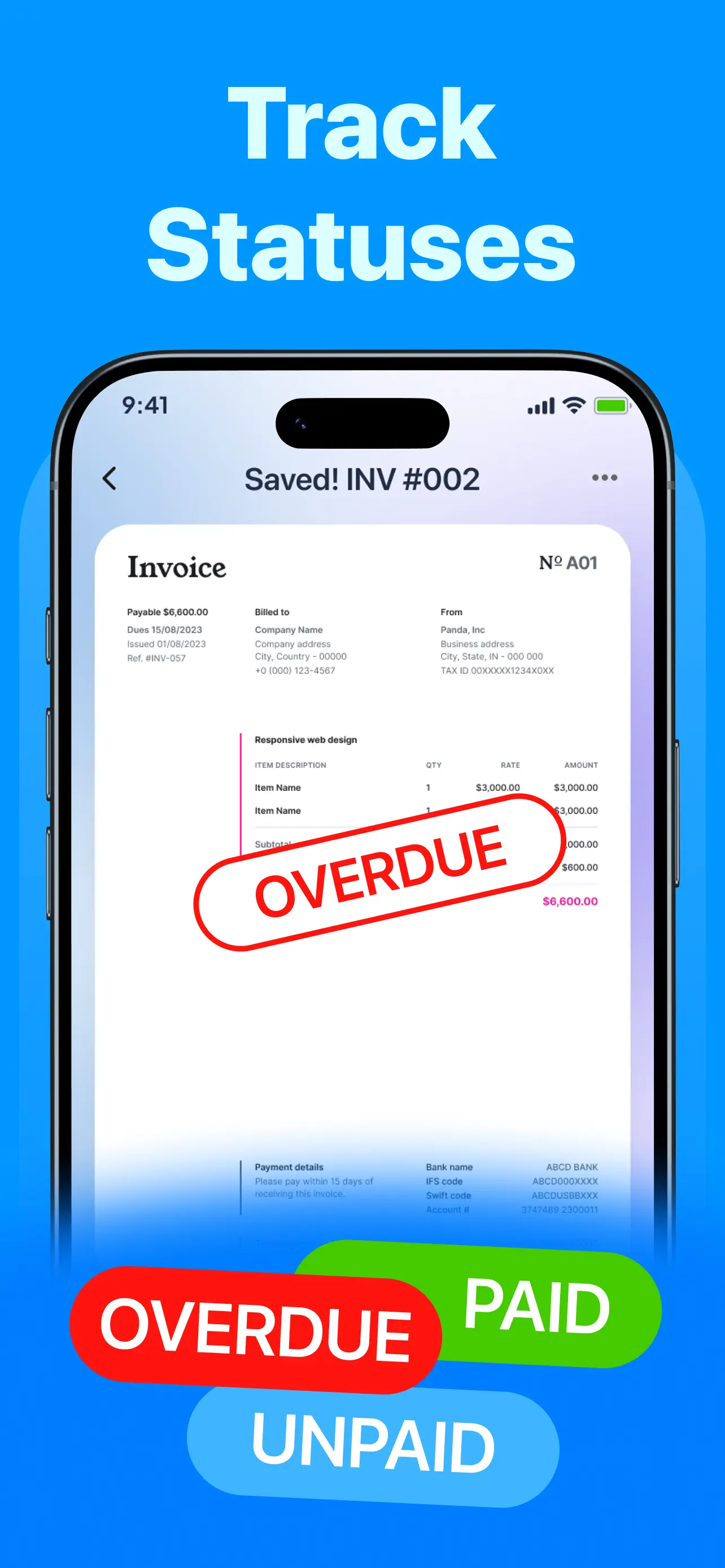
Export a PDF and send via WhatsApp, email, or SMS. Filter paid, unpaid, and overdue.
Guides
Practical answers for the searches freelancers and contractors actually make—then how to do it in the app.
Step-by-step mobile invoicing without a laptop.
Read guide →Look professional and get paid faster between gigs.
Read guide →Bill on-site after the job—while you’re still there.
Read guide →Export clean, share-ready PDF invoices from your phone.
Read guide →Share a PDF invoice in the chat your clients already use.
Read guide →Win the job with a clear estimate before you invoice.
Read guide →Receipts, bills, and invoices in one simple app.
Read guide →Stay on top of overdue bills and follow up faster.
Read guide →Accurate totals that look professional every time.
Read guide →Ready-made templates you can brand and send in minutes.
Read guide →FAQ
Straight answers—then a deeper guide if you want the full walkthrough.
Download Invoice Maker: Estimate Maker, tap to create an invoice, add your client and line items, customize taxes or discounts, then export or share a PDF. Most people finish their first invoice in under a minute.
Learn more →Yes. Invoice Maker: Estimate Maker is a simple invoice maker built for freelancers—templates, logo, signature, client save, and fast sharing so you spend less time on paperwork.
Learn more →Contractors need speed on-site. Create invoices or estimates from your phone after the job, send a PDF immediately, and track unpaid bills until you’re paid.
Learn more →Build the invoice in the app, pick a professional template, then export as PDF to print, email, or message your client.
Learn more →Yes. Share your invoice as a PDF through WhatsApp, email, or SMS directly from Invoice Maker: Estimate Maker—ideal when clients prefer chat over email.
Learn more →Use the Estimate flow to price the job, send a professional quote, and keep everything organized until you’re ready to invoice.
Learn more →Yes. Create receipts alongside invoices, estimates, and bills so your small business can keep paperwork in one bill organizer.
Learn more →Filter by Paid, Unpaid, and Overdue on the dashboard, watch due dates, and follow up before cash flow slips.
Learn more →Yes. Edit items with taxes and discounts so subtotals and totals calculate accurately on every invoice.
Learn more →Invoice Maker: Estimate Maker includes ready-made invoice templates you can customize with your logo, business details, and signature.
Learn more →Download the free invoice maker for iPhone and send a professional PDF before your next job ends.